Before you start
ZyncView is a wellness and entertainment product, not a treatment. If you or your child may have a vision problem, see an eye care professional first. Amblyopia has several causes and standard treatments (glasses, patching, atropine drops) [1]; games are not a substitute. If your school or community programme uses ZyncView, your coach can give you a team code and suggest a routine.
What you need
- A screen and a modern browser (computer, tablet or phone).
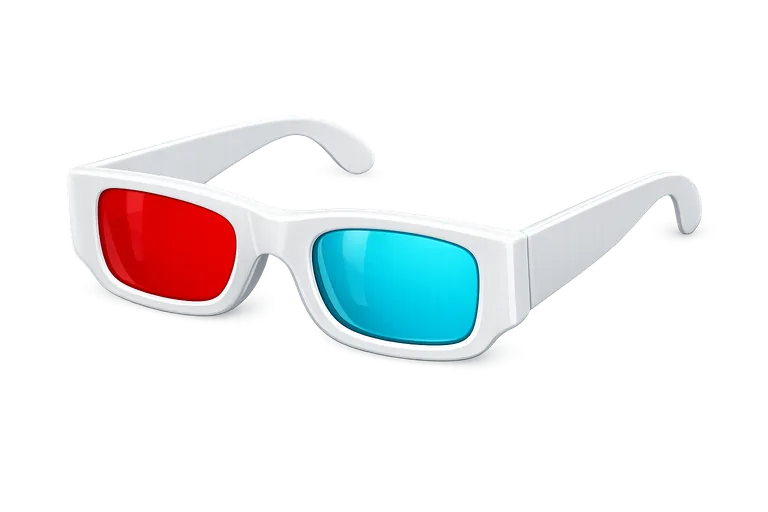
- Red/blue anaglyph glasses. Red filter on the left eye, blue filter on the right eye. This is fixed in every ZyncView game.
- A comfortable, evenly lit room without strong reflections on the screen.
- Your usual glasses or contact lenses, if you wear them. Keep wearing them as advised, and ask your optician how to combine them with the red/blue glasses.
Calibrating the screen
Every game starts with a short calibration, because different screens and glasses let different amounts of colour "leak" to the wrong eye:
- Put on the glasses (red on the left, blue on the right).
- You will see two eye icons, red on top and blue on the bottom, each with a brightness slider.
- Close the eye behind the blue filter and look through the red filter: lower the blue slider until the blue icon disappears.
- Do the same the other way round for the red icon.
- Press start. The values are used as your starting brightness and remembered for next time.
A simple routine
- ZyncView suggests 10 to 20 minutes of play a day, 5 days a week. New accounts start with a suggested routine of 10 minutes per game per day, and a coach can change the minutes and the length of the routine for the players on their team.
- Short, regular sessions are easier to keep up than occasional long ones. In the largest trial of a binocular game, only about one child in five completed most of the prescribed play [2] (see the evidence summary).
- Try the games: Kitty Runner, Tank Shooter and Truck Driver, and the reading exercise.
- Take breaks; look away from the screen and blink regularly.
Tracking progress
If you create an account, each finished session is saved with the level at which it ended, the score and the minutes played. The dashboard shows your trends and a daily page shows progress against your routine ("Day X of N"). Coaches of a team you have joined can see your progress. Without an account you can still play as a guest, but nothing is saved.
When to stop and ask for help
- Headaches, eye strain that does not settle after a break, nausea, or double vision: stop and contact an eye care professional.
- Any sudden change in vision needs prompt medical attention; do not rely on games.
- If a child dislikes sessions, stop rather than forcing them; comfort and consistency matter.
References
- National Eye Institute. Amblyopia (Lazy Eye). Last updated 26 Nov 2024. Source
- Holmes JM, Manh VM, Lazar EL, et al.; Pediatric Eye Disease Investigator Group. Effect of a binocular iPad game vs part-time patching in children aged 5 to 12 years with amblyopia: a randomized clinical trial. JAMA Ophthalmology 2016;134:1391-1400. DOI · PubMed 27812703